Category: blog

roku no internet wifi

How to Connect Roku to Wireless Network Without Internet

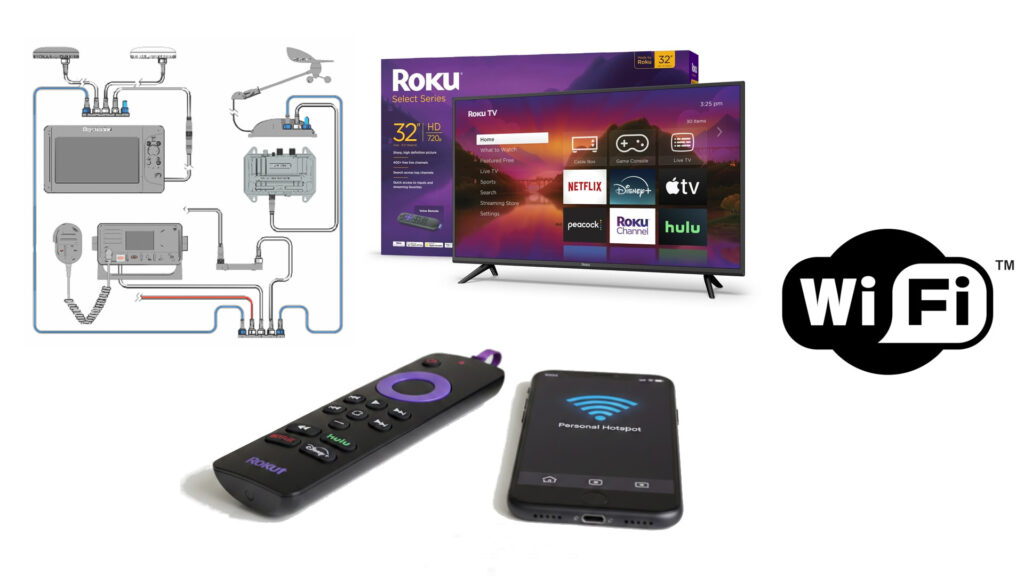
Connect a Roku to a wireless network without an active internet connection to monitor your NMEA boat/yacht sensors, enable local casting, screen mirroring, or media playback via USB/DLNA. The best method is to use a mobile hotspot with the same SSID/password as your home network, or simply connect to a local router and select “proceed…
Read more

Charting the Future: Marine Infotainment Trends & SMB Navigator

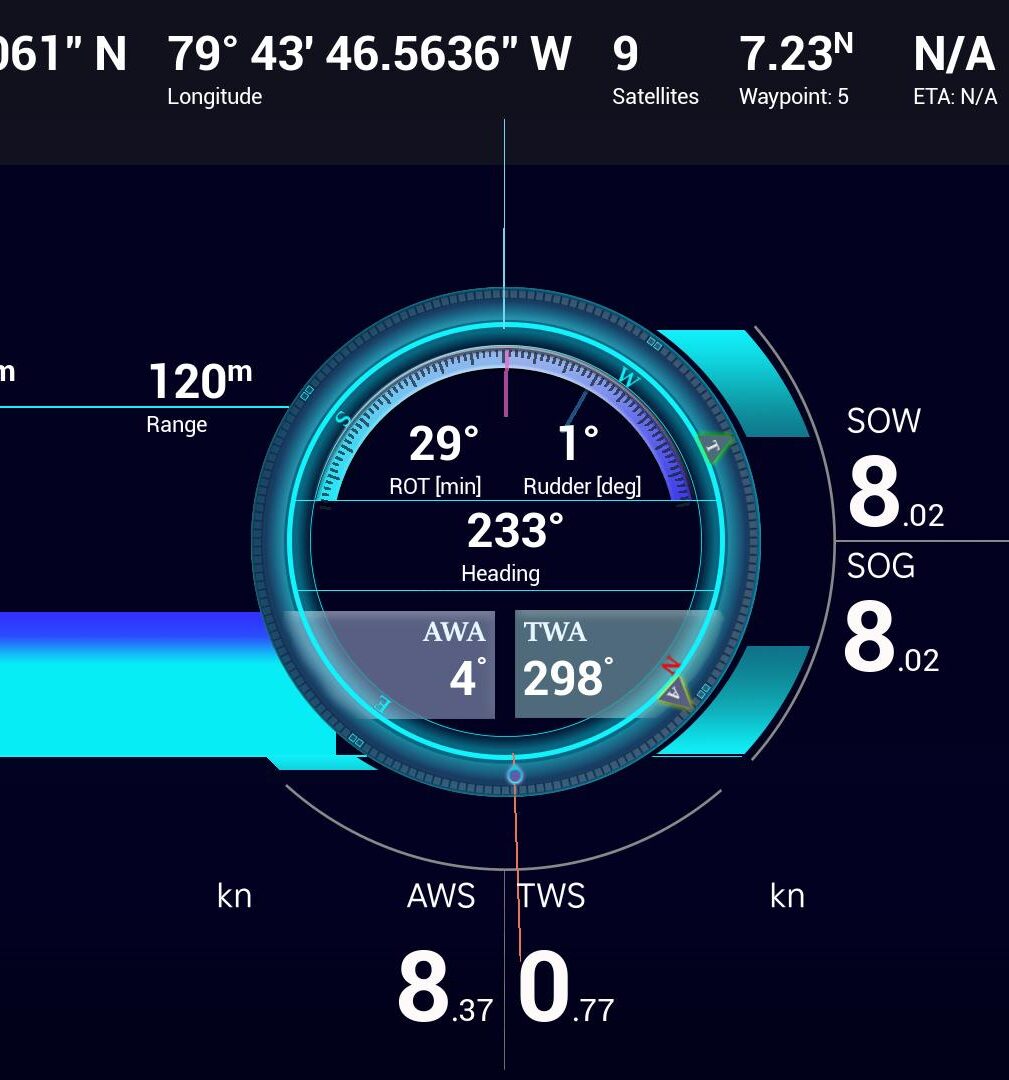
The global Marine Infotainment Market is entering a phase of rapid transformation. Valued at $5.98 billion in 2025, the sector is on track to reach an estimated $14.04 billion by 2033, advancing at a robust CAGR of 11.25%. ⚓ Industry Overview: The Connected Vessel Modern marine infotainment has evolved far beyond simple radios. Today, these…
Read more

SMB Navigator - Navigator Screen

Check for update – Navigator version 1.6

Our latest update to Navigator is designed to help Roku users like you being able to utilize NMEA 0183 devices as well as to simulate various NMEA devices. We’ve introduced NMEA0183, which enables NMEA data sharing from older devices, giving you more versatility to focus on what actually matters.

Navigator screenshots

Soon to be published: Introducing the Navigator Simulation Environment

The Navigator Simulation Environment (NSE) is a new feature designed to showcase newcomers what SmartMyBoat Navigator for Roku really can do! 💡 Why the Simulation Environment Matters The NSE was developed in direct response to user feedback, addressing the need for new users to be able to grasp what their Roku powered with Navigator app…
Read more

smb navigator on a narrowboat

SmartMyBoat Navigator – Roku App for Narrowboat Owners

We were recently helping our user while refitting a narrow-boat just South-east from Birmingham, UK to install SMB Navigator on a Roku TV. This was our first time on the Grand Union Canal, the principal navigable waterway between London and the Midlands. This soon to be completed narrowboat is refitted for a day hire has…
Read more

remote vessel monitoring

Remote Vessel Monitoring using SMB Navigator for Roku

SmartMyBoat Navigator lets you keep an eye on your vessel from anywhere. To enable remote monitoring, you’ll need to set up port forwarding for your NMEA network gateway, allowing external access to your network. If you’re using a standard mobile hotspot, this can be tricky—most ISPs assign private IP addresses behind Carrier-Grade NAT (CGNAT), which…
Read more

SMB Navigator for Roku NMEA 2000 schematics

Navigator for Roku – Version 1.4

We’re thrilled to introduce version 1.4 of SmartMyBoat Navigator for Roku— your ultimate companion for smarter, safer, and more connected boating! This update brings powerful new features designed to give you more control, clarity, and convenience on the water. In current version we parse each Parameter Group Number data – a unique numerical identifier used…
Read more

master bedroom misc screen

Roku Must Have App for Boaters

For boater-specific apps on a Roku, a must-have is the SmartMyBoat Navigator app if you want to integrate your boat’s onboard instruments and sensor data with your Roku device for monitoring and navigation.

map screen french

New version SMB Navigator (1.3) released to Roku Channel Store

We’re excited to announce that Version 1.3 is live and ready for you to install! We’ve been listening to your feedback and working hard to bring you a host of new features, improvements, and fixes to make your experience even better. This update is all about giving you more control, better performance, and a smoother…
Read more

SMB Navigator for Roku NMEA 2000 schematics

How To Setup Navigator for Roku

Need help with your Smart My Boat Navigator? Our Help Center provides tips, tutorials, and answers to frequently asked questions. To get started with the Roku app: If you’re having trouble accessing Roku, it might be a temporary issue on their end. Opening and Initial Setup: Subscription Management: Use the Subscription button, then Upgrade or…
Read more