How to Connect Roku to Wireless Network Without Internet
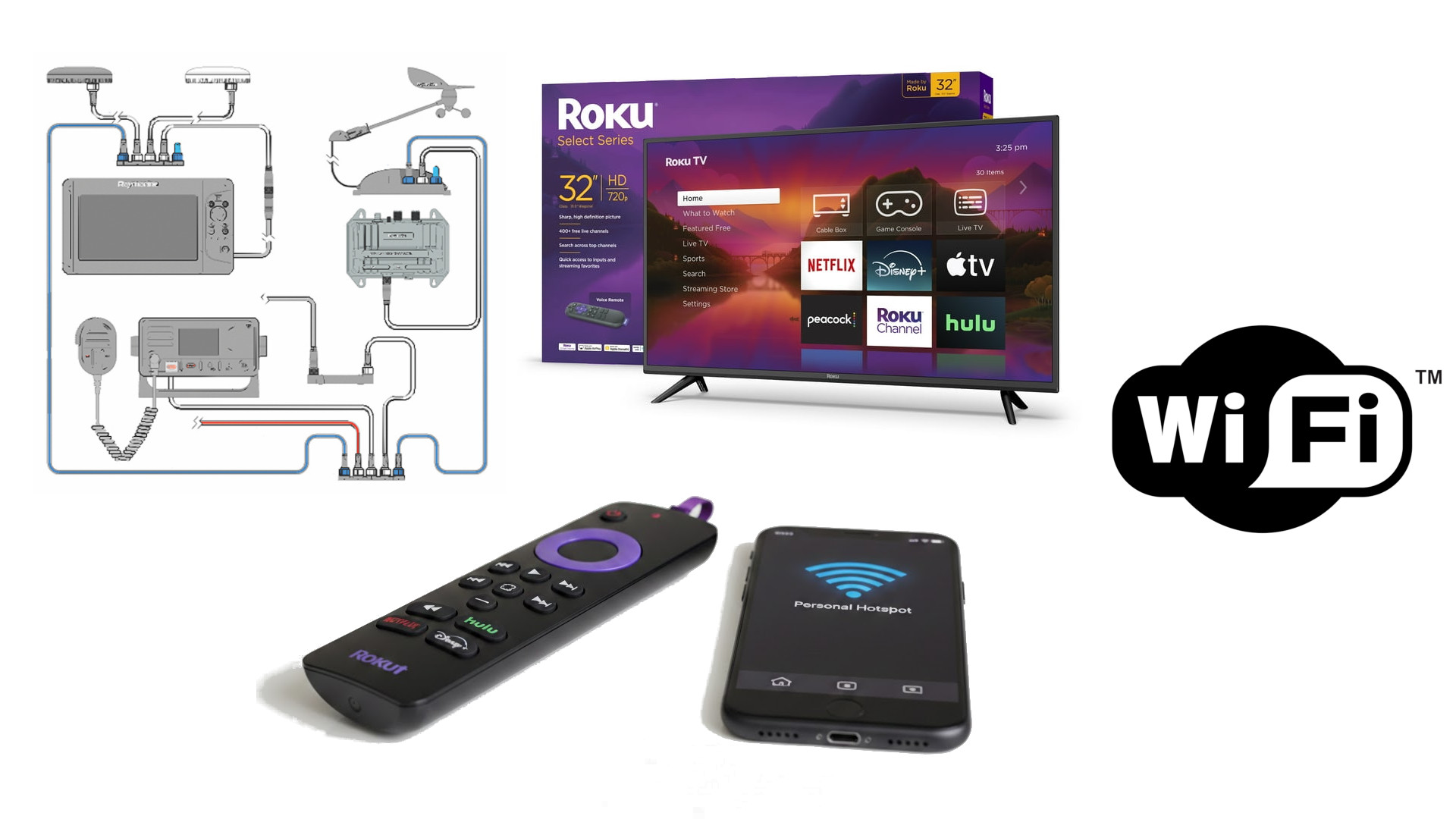
Connect a Roku to a wireless network without an active internet connection to monitor your NMEA boat/yacht sensors, enable local casting, screen mirroring, or media playback via USB/DLNA. The best method is to use a mobile hotspot with the same SSID/password as your home network, or simply connect to a local router and select “proceed anyway”.
Key Methods for Offline Roku Connectivity:
- Mobile Hotspot Trick: Use two phones. On phone A, create a hotspot with the exact name and password your Roku last used. On phone B, use the Roku app to navigate the Roku, which will auto-connect to phone A.
- Existing Network Router: If you have a router, connect the Roku to its Wi-Fi. It will likely show a “No Internet” message, but you can still connect your NMEA gateway to your existing network, you can also use screen mirroring (Android/Windows) or DLNA/media apps.
- Replicate Home Router: If you have a separate router, configure it to have the exact same network name (SSID) and password as your home network. The Roku will automatically connect to it.
- Alternative Method: Try navigating to Settings > System > Advanced system settings > Device connect > Disable network pings.
Actisense Gateways W2K-1/W2K-2
The default Wi-Fi network name (SSID) for Actisense W2K-1 and W2K-2 gateways is based on the device’s serial number.
- Default SSID Format:
w2k-<serial number>(e.g., if your serial number is 123456, the SSID isw2k-123456). - Password: The default password is printed on a sticker on the rear of the device.
- Configuration IP: The configuration page can be accessed via
192.168.4.1.
The W2K-1/W2K-2 acts as an Access Point by default when first powered up. To connect to Roku first, ‘spoof’ your gateway by naming your mobile hotspot the same SSID and using the same password. Get the Roku to connect to that hotspot, then kill the hotspot signal. Now, hop onto the NMEA Gateway and hit ‘proceed anyway’ if it asks. Give it a second to realize it’s connected!
Yacht Devices Gateways
Based on the Yacht Devices product manuals, the default Wi-Fi network name (SSID) depends on the specific model of the gateway or router:
- NMEA 2000 Wi-Fi Gateway (YDWG-02): The default SSID is «YDWG».
- NMEA 0183 Wi-Fi Gateway (YDWN-02): The default SSID is «YDWN».
- NMEA 2000 Wi-Fi Router (YDNR-02) / Wi-Fi Router (YDWR-02): The default SSID is «YDNR» or «YDWR» respectively.
- Default Password:
12345678. - Default IP Address:
192.168.4.1. - Default Credentials: Username
admin, Passwordadmin.
Change your mobile hotspot SSID to name of your gateway and use the same password. Connect your Roku to mobile hotspot and then turn the mobile hotspot off. Ones it is off connect Roku to NMEA Gateway and confirm with “proceed anyway”. Again, it may take few seconds for Roku to actually show it is connected.
What You Can Do Without Internet:
- NMEA Gateway: Connect Roku to your vessel NMEA gateway
- Screen Mirroring: Mirror your phone or computer screen.
- Local Media: Use apps like Jellyfin (if the server is local) or USB media player.
- Remote Functionality: Use the mobile app as a remote if on the same local network.
Important Limitations:
- You cannot set up a new Roku device for the first time without internet, as it requires activation.
- Most apps require internet to launch, so your choices are limited to local streaming.
- Using a mobile hotspot can consume data if not configured properly, as the Roku might try to download updates.